E-TWOW Connect2.0.7
Publisher Description
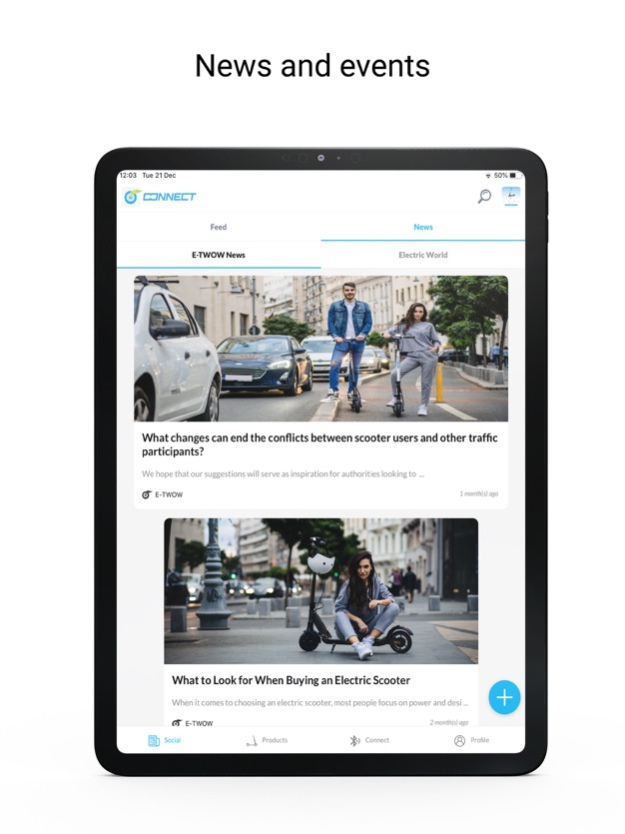
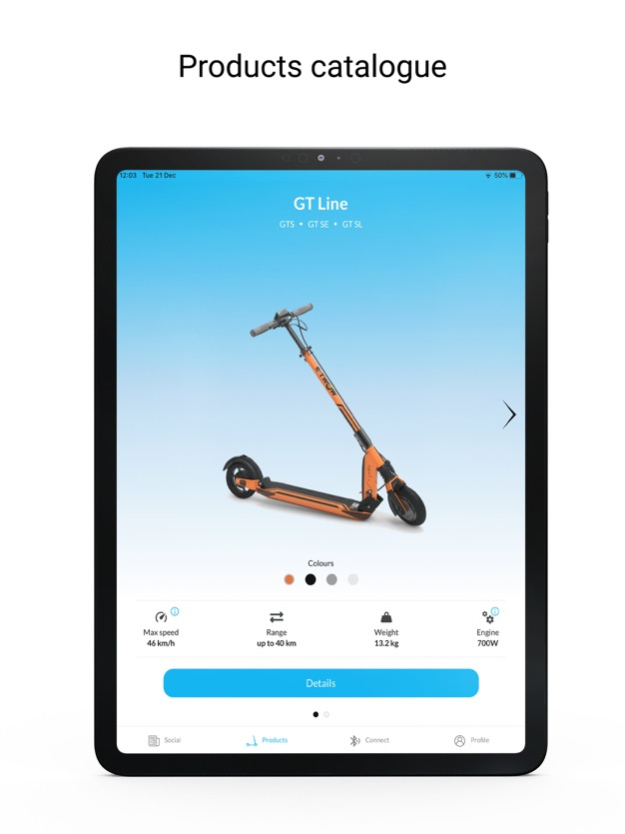
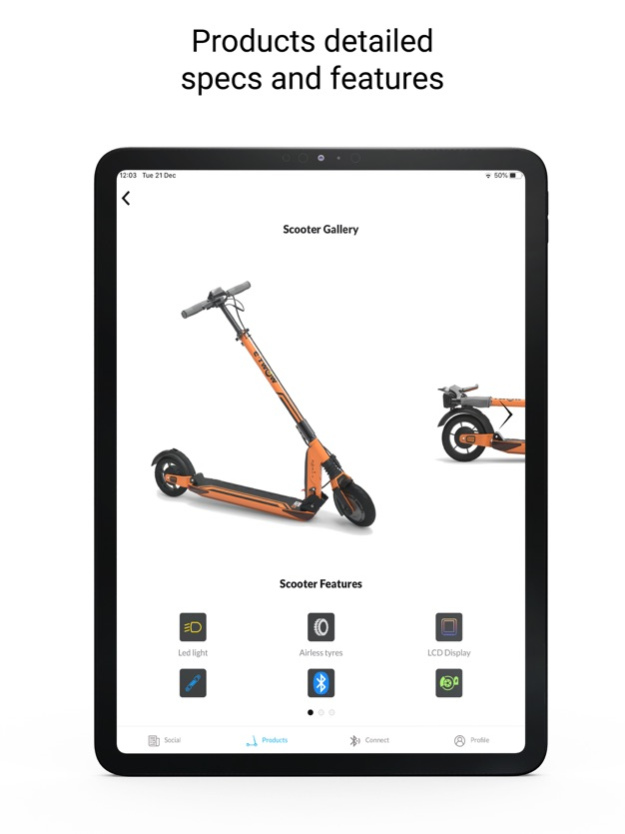
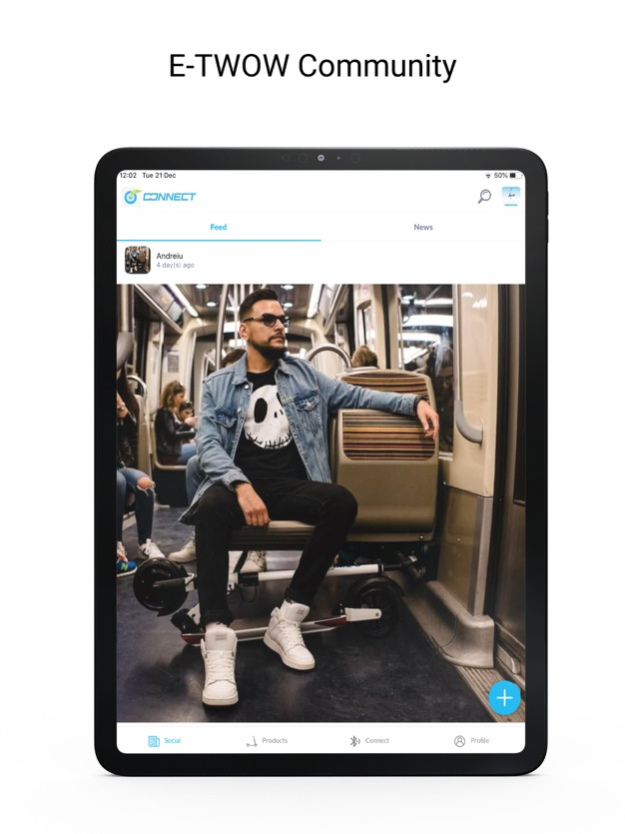
This is the official application of the E-TWOW community. Use this app to configure and control your E-TWOW Electric Scooter*, but also to keep up with the latest developments in the world of electric mobility. The application allows you to connect your smartphone to the electric scooter using Bluetooth Low-Energy capabilities.
With our application you can:
-search nearby devices and connect with your scooter;
-choose between the metric and the imperial measuring system;
-view the battery level and the scooter's speed;
-view the total distance traveled;
-control the LED light;
-set the maximum speed limit;
-toggle zero start function;
-lock the scooter(anti-theft function).
-view the scooter’s speed in real time
-keep up with the latest news regarding E-TWOW scooters as well as the most relevant news in the world of electric mobility.
-browse the latest E-TWOW vehicles and compare their specifications.
-receive relevant notifications that will improve your riding experience.
*The application is only compatible with the E-TWOW GT 2020 SE electric scooter with Bluetooth module.
Nov 6, 2024
Version 2.0.7
fix bugs
About E-TWOW Connect
The company that develops E-TWOW Connect is Zhejiang E-TWOW Electric Vehicle Co.Ltd.. The latest version released by its developer is 2.0.7.
To install E-TWOW Connect on your iOS device, just click the green Continue To App button above to start the installation process. The app is listed on our website since 2024-11-06 and was downloaded 7 times. We have already checked if the download link is safe, however for your own protection we recommend that you scan the downloaded app with your antivirus. Your antivirus may detect the E-TWOW Connect as malware if the download link is broken.
How to install E-TWOW Connect on your iOS device:
- Click on the Continue To App button on our website. This will redirect you to the App Store.
- Once the E-TWOW Connect is shown in the iTunes listing of your iOS device, you can start its download and installation. Tap on the GET button to the right of the app to start downloading it.
- If you are not logged-in the iOS appstore app, you'll be prompted for your your Apple ID and/or password.
- After E-TWOW Connect is downloaded, you'll see an INSTALL button to the right. Tap on it to start the actual installation of the iOS app.
- Once installation is finished you can tap on the OPEN button to start it. Its icon will also be added to your device home screen.
Program Details
System requirements
Download information
Pricing
Version History
version 2.0.7
posted on 2024-11-06
Nov 6, 2024
Version 2.0.7
fix bugs
version 2.0.6
posted on 2024-09-10
Sep 10, 2024
Version 2.0.6
fix bugs.
version 2.0.3
posted on 2024-06-15
Jun 15, 2024
Version 2.0.3
fix bugs.
version 2.0.1
posted on 2024-06-06
Jun 6, 2024
Version 2.0.1
fix bugs.
version 1.5.1
posted on 2024-04-30
Apr 30, 2024
Version 1.5.1
Bug fixes
version 1.5.0
posted on 2024-01-31
Jan 31, 2024
Version 1.5.0
Bug fixes
version 1.4.0
posted on 2023-11-06
Nov 6, 2023
Version 1.4.0
Bug fixes
version 1.3.3
posted on 2023-08-22
Aug 22, 2023
Version 1.3.3
Bug fixes
version 1.3.2
posted on 2023-06-27
Jun 27, 2023
Version 1.3.2
Bug fixes
version 1.3.1
posted on 2023-06-20
Jun 20, 2023
Version 1.3.1
Bug fixes
